Digital business card app for iPhone and Android
Create, update, and share your digital business card for free on iPhone or Android. Send a QR code or link, add it to Apple Wallet or Google Wallet, and let recipients open it without installing Lynkle.


Trusted by industry leaders






The basics
What is a digital business card app?
A digital business card app lets you create, update, and share your contact details from your phone. Share a QR code, personal link, mobile wallet pass, or optional NFC tag. Recipients open the same up-to-date card in their browser, with no app required.
With Lynkle, you can manage your card on iPhone, Android, or the web. Free sharing includes QR codes, links, Apple Wallet, and Google Wallet. Lynkle Pro and Teams add lead capture, full Card insights, and NFC Tap to Share on Android and on iOS in the European Economic Area.
Still comparing formats and features? Start with our digital business card overview, then use this page to decide how the Lynkle app fits your sharing workflow.
Create a card that fits your brand
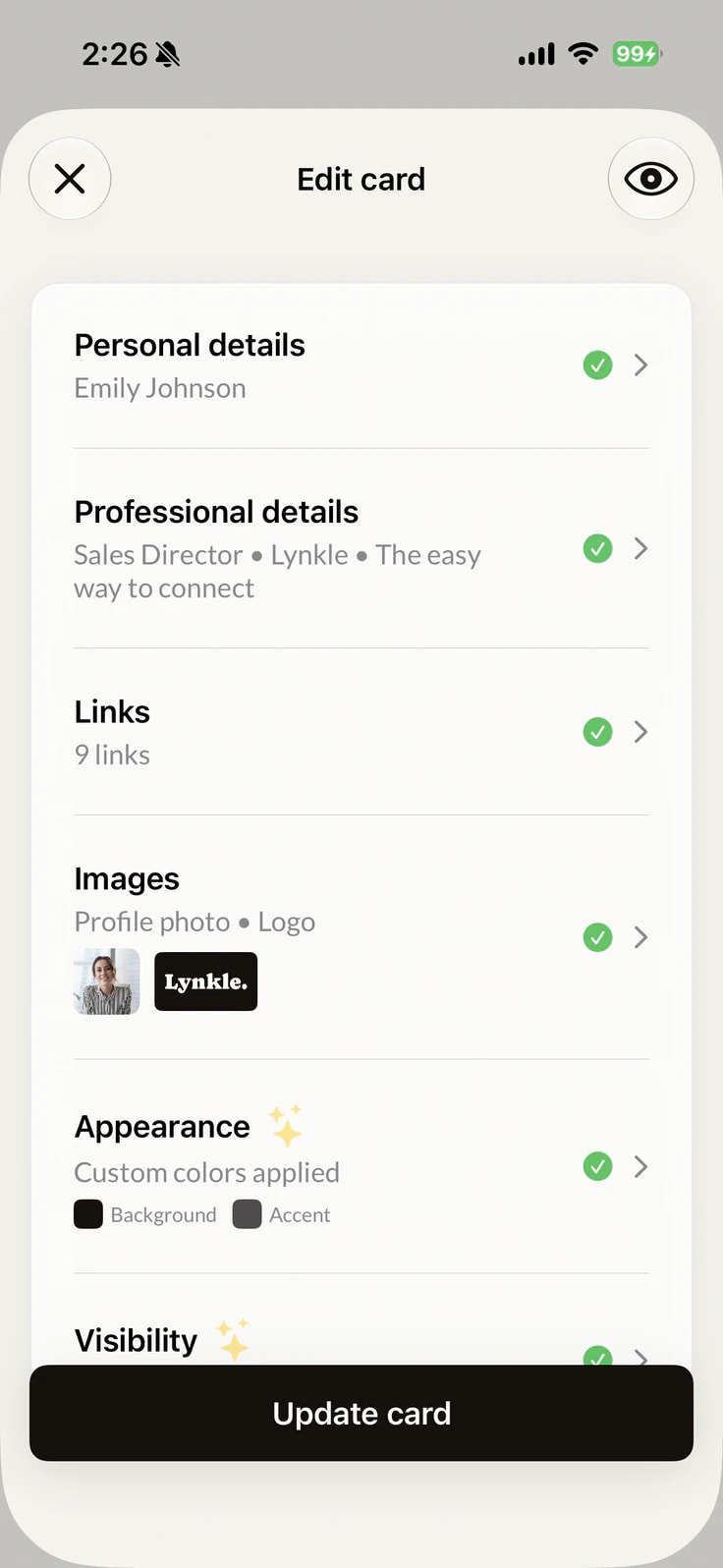
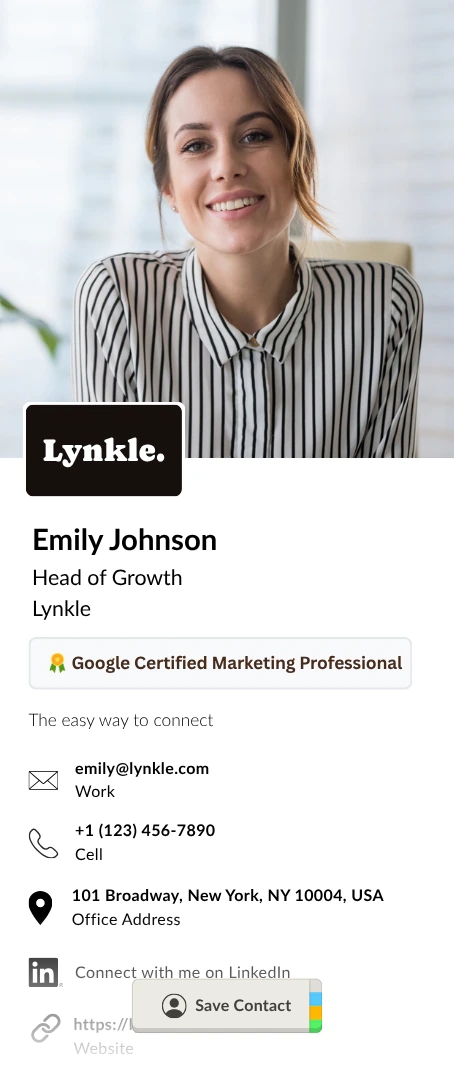
Add your contact details, photo, social links, and company information. Match the design to your brand, then update it anytime without changing your link or QR code.
Your personal link, shareable everywhere
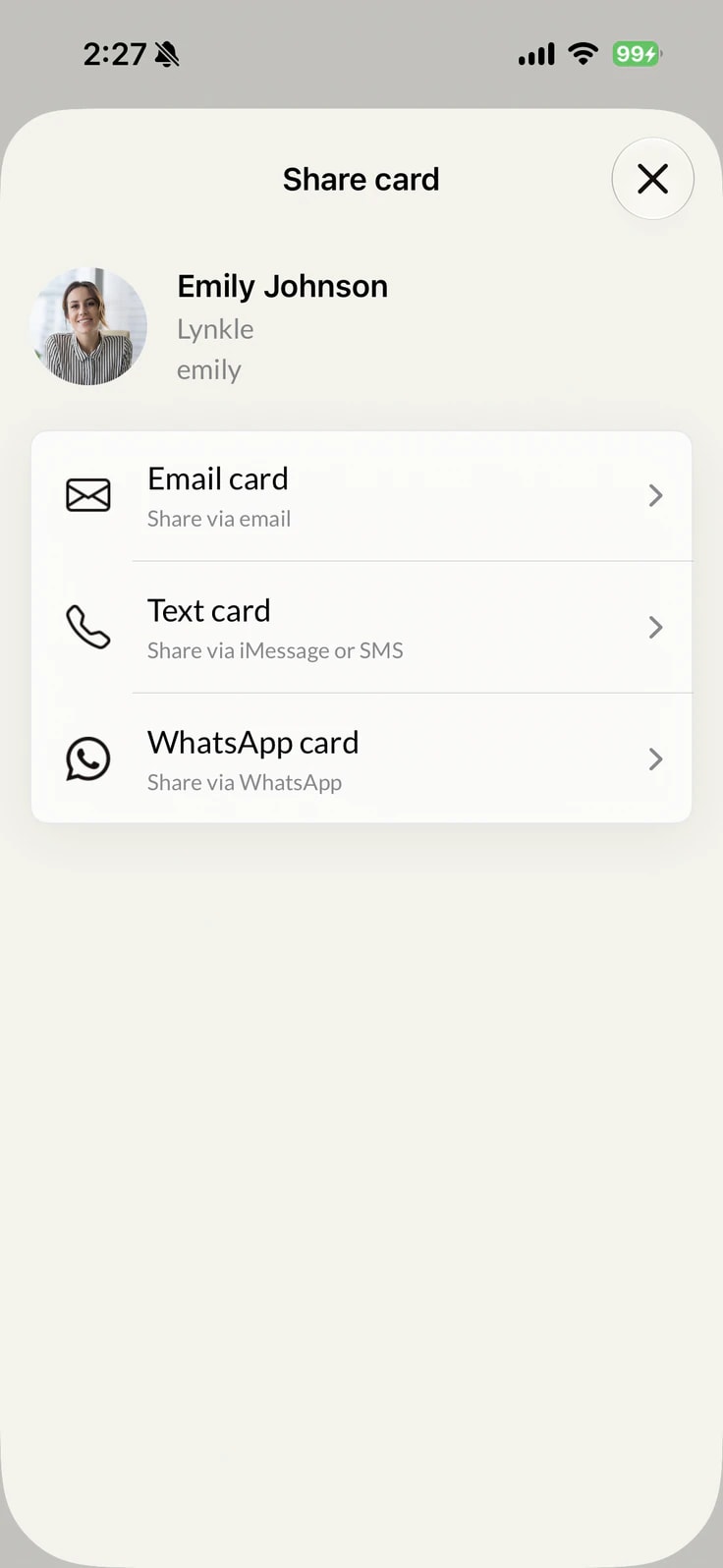
Claim a personal link (lynkle.com/your-name) and send it by text, email, WhatsApp, LinkedIn, or any messaging app. It opens on any device, and recipients do not need Lynkle.
Keep your card in Apple Wallet or Google Wallet
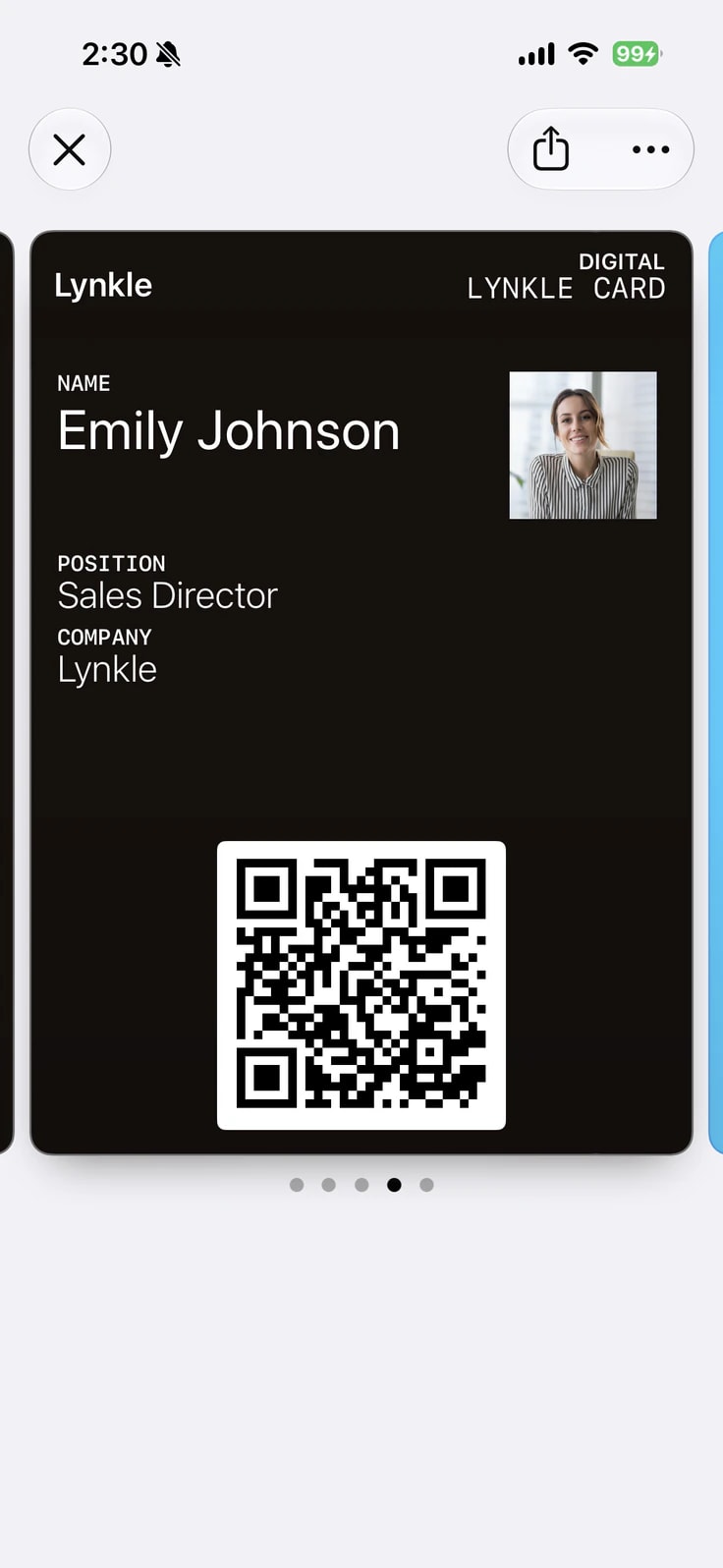
Add your own card to Apple Wallet or Google Wallet for free. At a meeting or event, open the pass and show its QR code. The other person scans it to save your details; the pass stays in your Wallet.
Put your QR code on your iPhone Home Screen
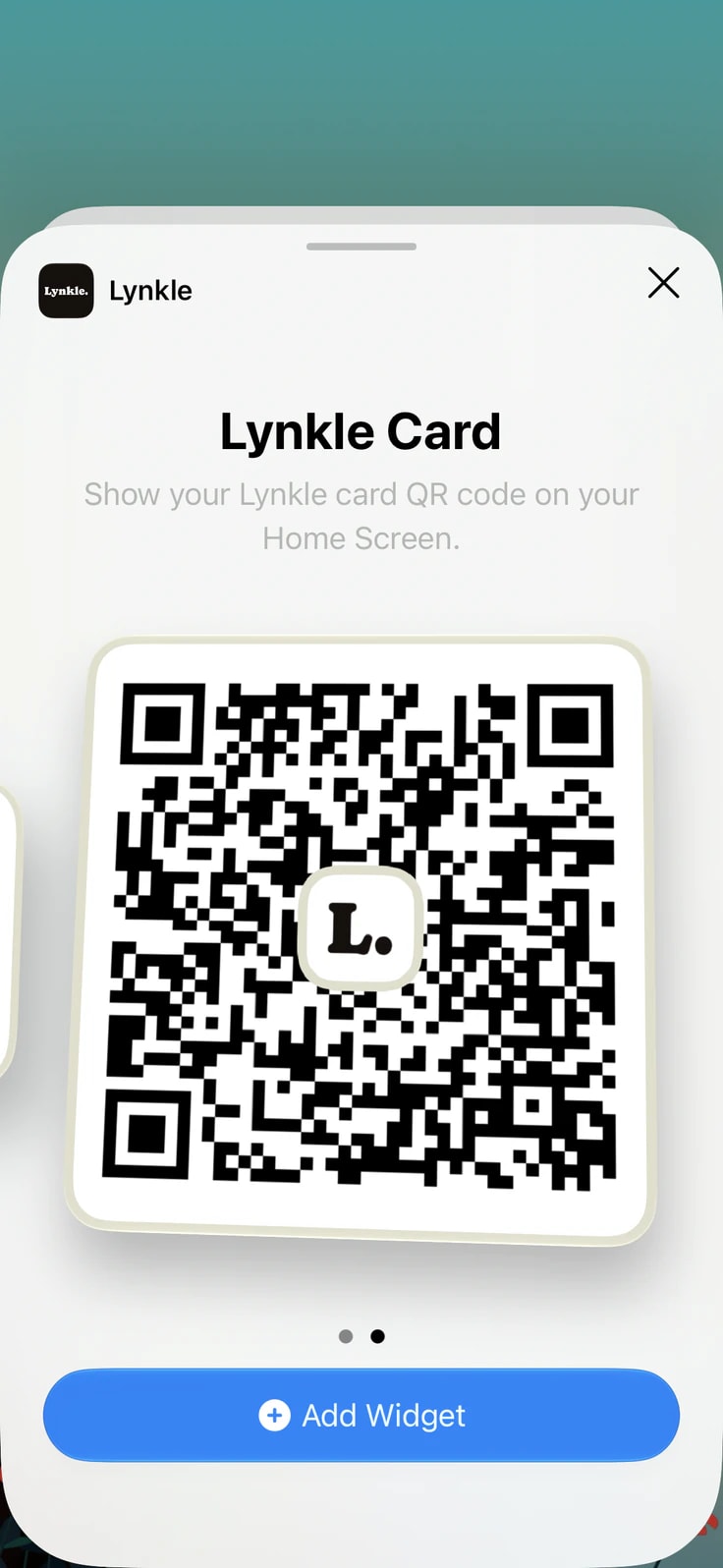
Add the Lynkle widget to your iPhone Home Screen so your QR code is ready without opening the app. Show the widget and let someone scan.
Pair with a compatible third-party NFC card or tag
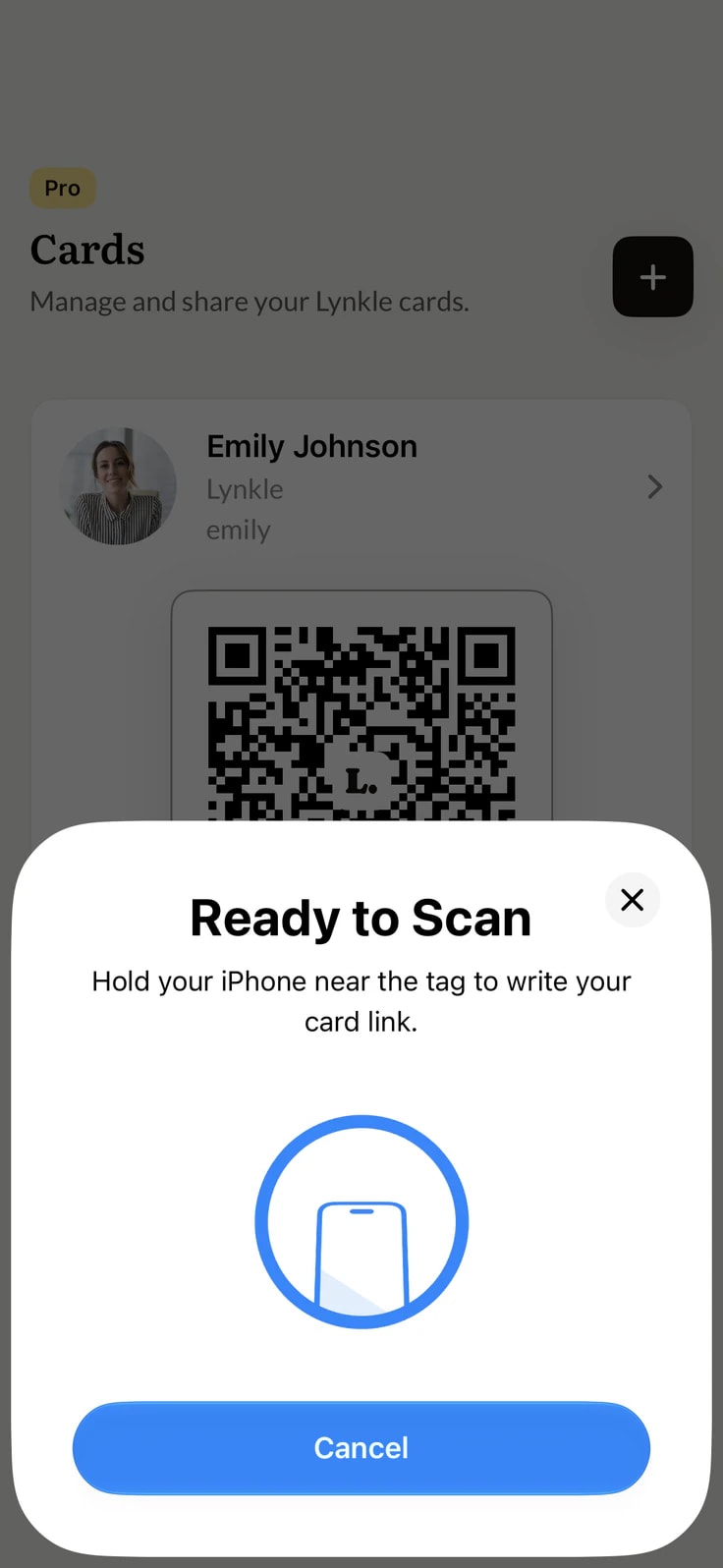
Pair an optional compatible third-party NFC card or tag with your Lynkle card. A tap opens your current card in the recipient's browser, with no Lynkle app required. Learn more in our NFC business card guide.
Use your phone as an NFC business card
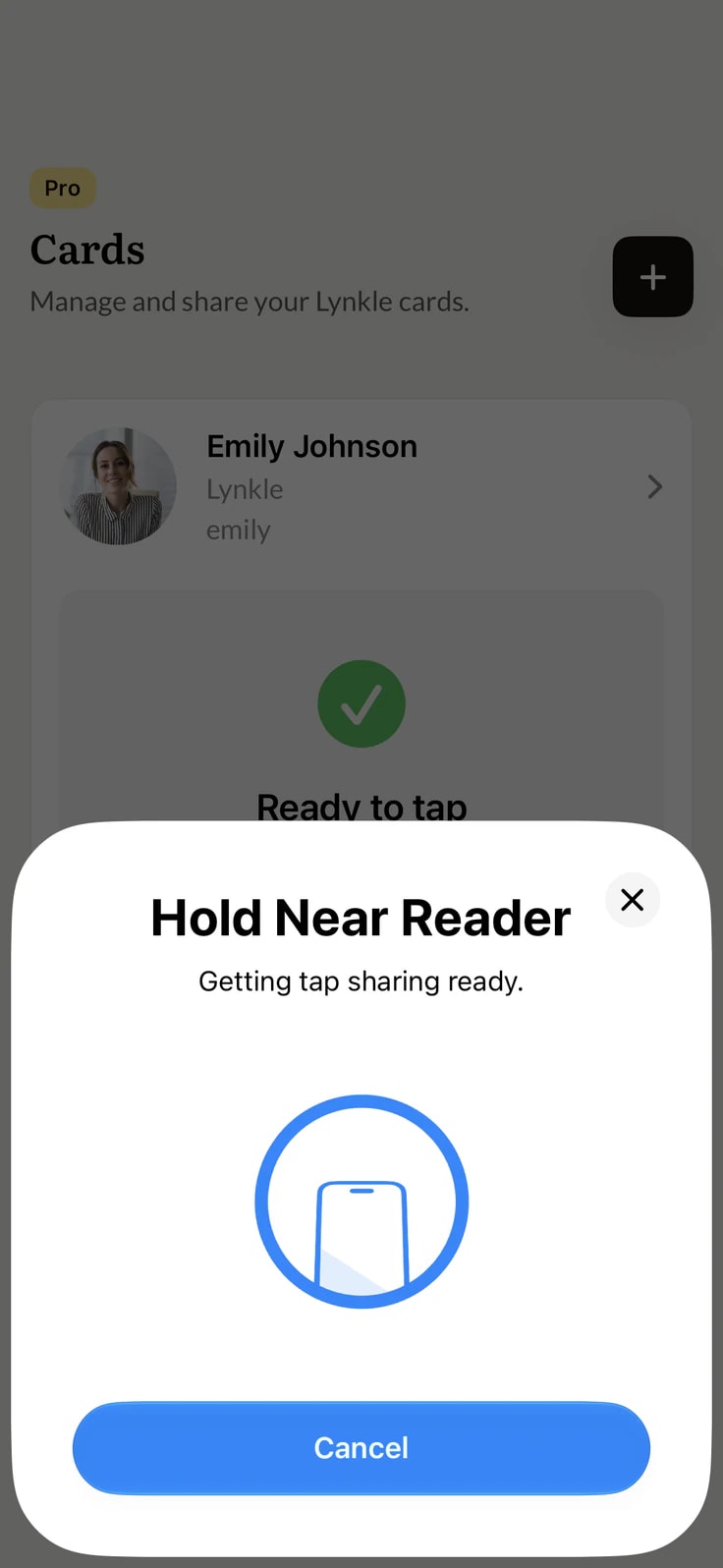
With Lynkle Pro or Teams, your phone's built-in NFC can share your digital business card phone to phone, without a physical NFC card. Tap to Share is available on Android. On iOS, Apple limits it to the European Economic Area. Recipients open your card in their browser without installing Lynkle.
See how your card performs
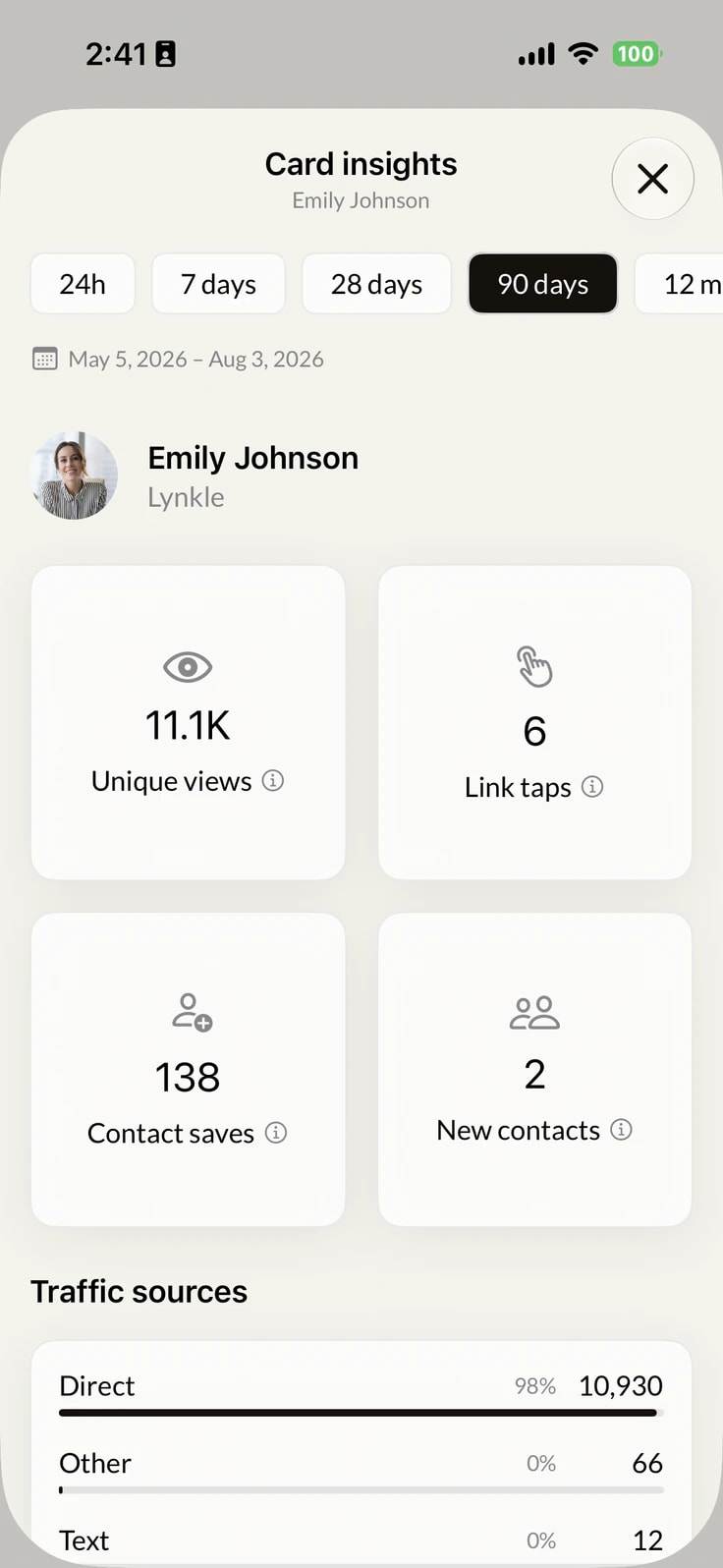
Card insights tracks unique views, link taps, contact saves, and traffic sources. Use the data to see which sharing methods and links get engagement.
Manage leads and contacts
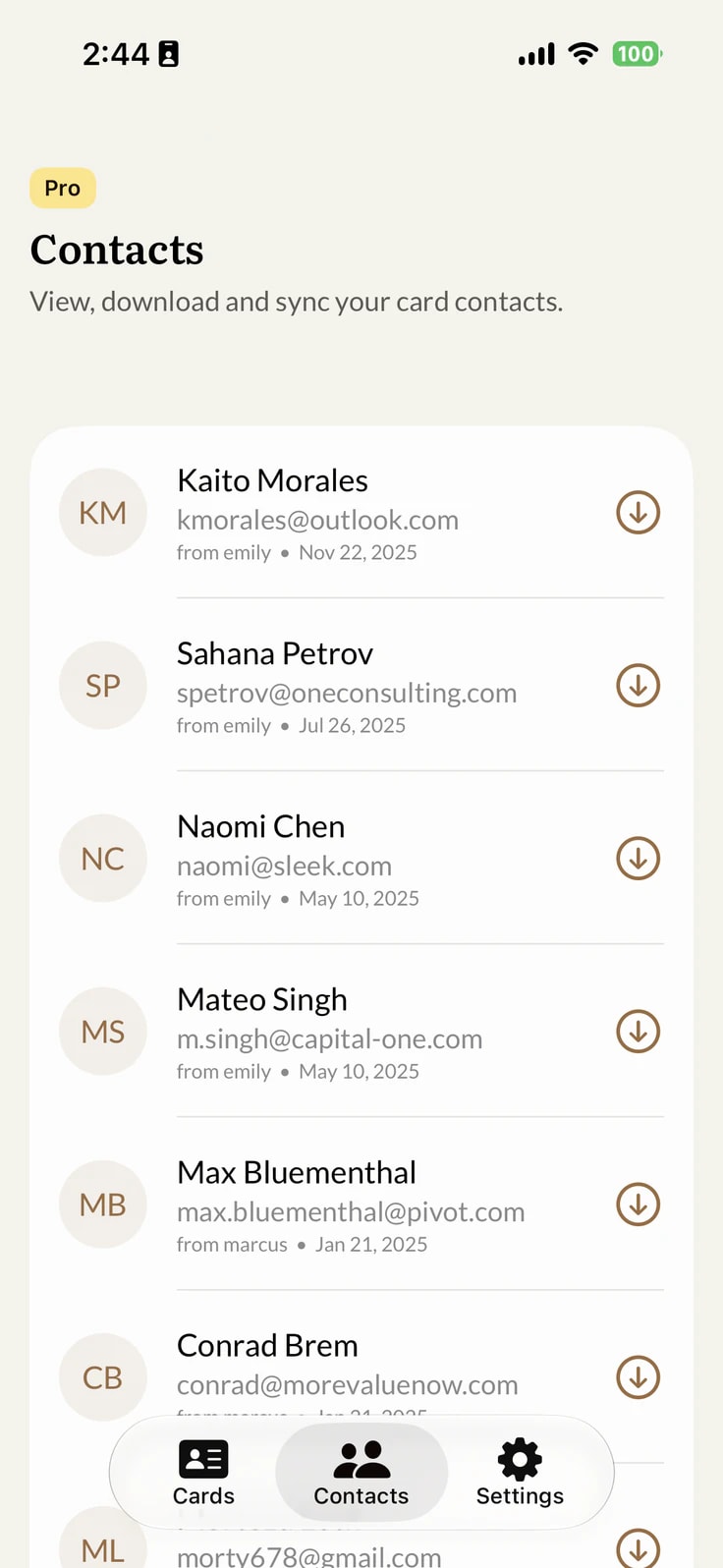
Contacts shared through your card appear in Lynkle, ready to organize and follow up. Sync them with Google Contacts, Outlook, or your CRM when your plan supports it.
No app needed for recipients
Your card opens in the recipient's browser after a QR scan, link click, or NFC tap. They can view your details, open your links, and save your contact without installing Lynkle.
How it works
How to get started
Create and share your card in three steps
Download the app
Download Lynkle from the App Store or Google Play, or sign up at lynkle.com.
Create your card
Add your contact details, photo, and social links. Match the design to your brand, then save your card.
Share anywhere
Share by QR code, link, Apple Wallet, or Google Wallet for free. Pair an optional NFC tag, or use NFC Tap to Share with Lynkle Pro or Teams. Recipients open your card in their browser.
Why Lynkle
Why choose the Lynkle app?
Free forever
Create and share your free digital business card. Get unlimited contact fields, a personal link, QR code, and mobile wallet passes. Upgrade only when you need premium features.
No app for recipients
Your card opens in any browser, so recipients can view your details and save your contact without installing Lynkle.
Apple Wallet on iPhone
Keep your QR code in Apple Wallet for quick access from iPhone, without opening Lynkle.
QR code widget
Put your QR code on your iPhone Home Screen and share without opening Lynkle.
Card insights Pro
Track unique views, link taps, contact saves, and traffic sources.
Always up to date
Edit your details once. Your link and QR code continue to open the latest version of your card.
Customer stories
What our users say
Digital business cards for teams
Give your organization consistent digital business cards with branded templates, centralized management, team lead capture, and CRM integrations.
A digital business card app lets you create, update, and share your contact details from your phone. Share by QR code, link, mobile wallet, or NFC, and recipients can open your card in their browser.
Yes. Lynkle is free to download and use. The free plan includes unlimited contact fields, a personal link, QR code sharing, and Apple Wallet and Google Wallet passes. Lynkle Pro or Teams add lead capture, full Card insights, email signatures, and NFC Tap to Share.
No. Your digital business card opens in the recipient's browser from a QR code, link, or NFC tap. They can view your details, open your links, and save your contact without installing Lynkle.
Download Lynkle from the App Store or Google Play, create a free account, and add your contact details, photo, and social links. Save the card, then share it by QR code, personal link, or mobile wallet. You can also manage it at lynkle.com.
Yes. Add any Lynkle card to Apple Wallet or Google Wallet for free. Your QR code stays ready in the wallet app, so you can share without searching for your link.
Yes. Lynkle Pro and Teams support phone-to-phone NFC Tap to Share on Android and on iOS in the European Economic Area. You can also pair your card with a compatible third-party NFC card or tag. Recipients open your card in their browser, with no Lynkle app required.
Yes. With Lynkle you can create multiple digital business cards for different roles or purposes. For example, you might have one card for your full-time job and another for freelance work or a side project. Each card gets its own unique link and QR code.
The best digital business card app fits how you share. Look for native phone support, a useful free plan, QR and link sharing, mobile wallet passes, optional NFC, and no app requirement for recipients. Lynkle offers these features on iPhone and Android, with premium analytics, lead capture, and NFC Tap to Share on Android and on iOS in the European Economic Area.
A digital business card app adds phone-native sharing such as mobile wallet passes, NFC setup, and an iPhone Home Screen widget. Lynkle also has a web app, so you can manage your card from any device.
Yes. Lynkle Teams includes branded card templates, centralized management, team lead capture, and CRM integrations for organizations. See the Lynkle Teams page for current plan details.
Download the Lynkle app today
Create your card for free on iPhone or Android. Recipients can view it in any browser, with no app required.