Create a free digital business card that works everywhere
Share a live contact profile by QR code, link, Apple Wallet, Google Wallet, or NFC. Recipients open it in any browser and save your details in one tap, no app required.
Free plan included. Trusted by 5,000+ professionals.
Trusted by industry leaders






The basics
What is a digital business card?
A digital business card is a shareable link, QR code, or wallet pass that opens your contact details on any phone, no app required. It replaces a paper card with something that updates in real time, saves to a recipient's contacts in one tap, and can travel wherever you do, including in Apple Wallet or Google Wallet.
Most platforms package a digital business card as a personal URL (e.g. lynkle.com/your-name), a QR code that points to that URL, and an optional NFC tag or wallet pass that does the same in a tap. Whichever way you share it, recipients see your latest details without you having to reprint anything. Read the full guide to how digital business cards work.
Lynkle is built for the full exchange, not just the first scan. You can create a free digital business card, share it by QR code, pair it with any NFC business card, and keep every old share up to date when your details change.
Compare options
Choose the right business card setup
The best setup depends on whether you need a live profile, a physical handoff, or both.
| Feature | Lynkle digital business card | Paper business card | NFC-only card |
|---|---|---|---|
| Share by personal link | Included | Only if printed on the card | Only if the NFC profile has a web link |
| Share by QR code | Included for every card | Requires a printed QR code | Often included as a fallback |
| Apple Wallet and Google Wallet | Included | Not available | Depends on the provider |
| Update details after sharing | Instant updates to every old share | Requires reprinting | Usually possible if the tag opens a live URL |
| No recipient app required | Opens in any browser | No app, but no one-tap digital save | Depends on the provider's profile page |
| Lead capture and analytics | Available with Pro | Not available | Depends on the software behind the tag |
| Team templates | Available with Lynkle Teams | Manual design and print coordination | Depends on the provider |
Want the deeper breakdown? Compare digital vs paper business cards.
Find your setup
Which digital card setup should you choose?
Choose the plan and sharing method that match how you actually meet people.
Start with a free card
Best for founders, freelancers, students, and professionals who need a live contact profile, personal link, QR code, and wallet pass without extra tooling.
Compare the free digital business card planUpgrade for follow-up
Pick Pro when your card needs to collect leads, generate email signatures, track engagement, and help you follow up after meetings and events.
Review Lynkle pricingUse Teams for rollout
Choose Teams when multiple people need branded templates, centralized management, shared contacts, CRM sync, and a clean offboarding process.
Explore digital business cards for teams| Sharing method | Best for | What to know |
|---|---|---|
| QR code | Events, booths, lanyards, slides, and printed signs | Universal fallback. Anyone can scan from a phone camera. |
| Wallet pass | Fast in-person sharing from your lock screen | Best when you want your QR code one swipe away on iPhone or Android. |
| NFC | Tap-to-share moments where a physical gesture helps | Use a third-party NFC card or tag, or Tap to Share from the Lynkle app where supported. |
| Email signature | Remote networking, follow-ups, proposals, and support | Turns every email into a soft re-share of your contact card. |
Use cases
How different professionals use digital cards
The same card can support very different workflows once the links, sharing method, and follow-up path match the job.
Realtors
Share your card at open houses, add active listings and booking links, and capture buyer details before visitors leave the property.
Digital business cards for realtorsRecruiters
Give candidates one place to find your direct contact details, LinkedIn profile, calendar link, and current roles after a career fair or outreach message.
Digital business cards for recruitersSales teams
Turn conference conversations into CRM-ready leads, keep every rep on-brand, and measure which events create real pipeline.
Digital business cards for sales teamsNFC sharing
Use NFC without buying Lynkle hardware
NFC is simply another way to open the same live card. Your profile stays digital, editable, and shareable by QR code or link even if you also use tap-to-share.
How NFC works with Lynkle
A third-party NFC card or tag stores your Lynkle URL. When someone taps it with a compatible phone, your card opens in their browser and they can save your details in one tap.
Lynkle does not sell physical NFC cards, metal cards, wristbands, tags, or accessories. You can pair your card with hardware you already own or buy from another provider.
Tap to Share from your phone
Lynkle also supports Tap to Share through the Lynkle app using your phone's built-in NFC hardware. It is available on Android and on iOS only in the European Economic Area.
Want the full setup? Read the NFC business card guide or follow the NFC setup walkthrough.
How it works
How to create a digital business card
Get your card up and running in three simple steps.
Sign up for free
Create your free account in seconds. No app to download.
Create your card
Enter your contact information, social links, and customize your design. For the full walkthrough, see how to create a digital business card.
Share anywhere
Get your personal link, QR code, wallet pass, and NFC options. Share your card with anyone, anywhere.
Customer stories
What our users say
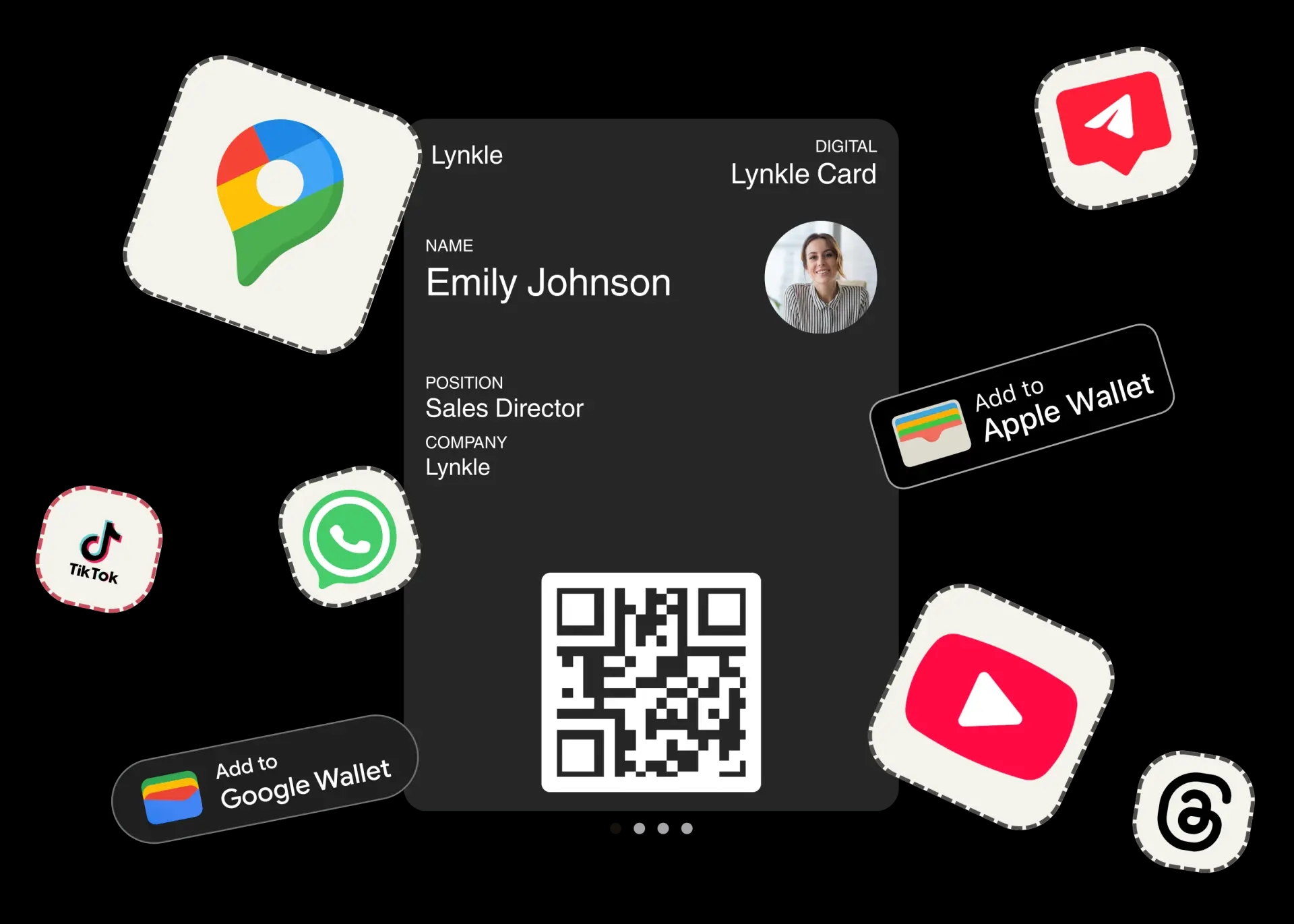
Your personal link, shareable everywhere
Claim your personal link (lynkle.com/your-name) and share it anywhere: in person with a QR code business card, online via text or email, or by showing the QR code in your Apple Wallet or Google Wallet pass. Your digital business card works on every device, no app download required.
Make a lasting first impression
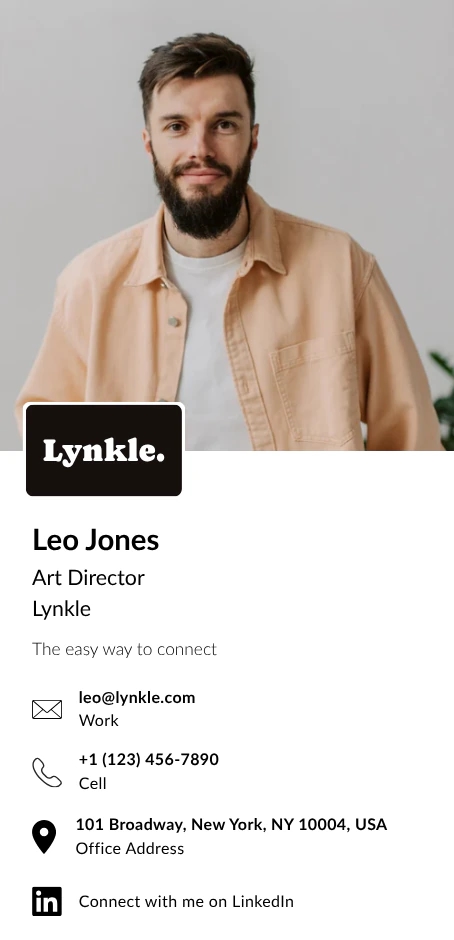
Design a beautiful digital business card that reflects your personal brand. Add your photo, social links, website, booking page, and the contact details you actually want people to use. For a deeper checklist, read our guide to designing your digital business card.
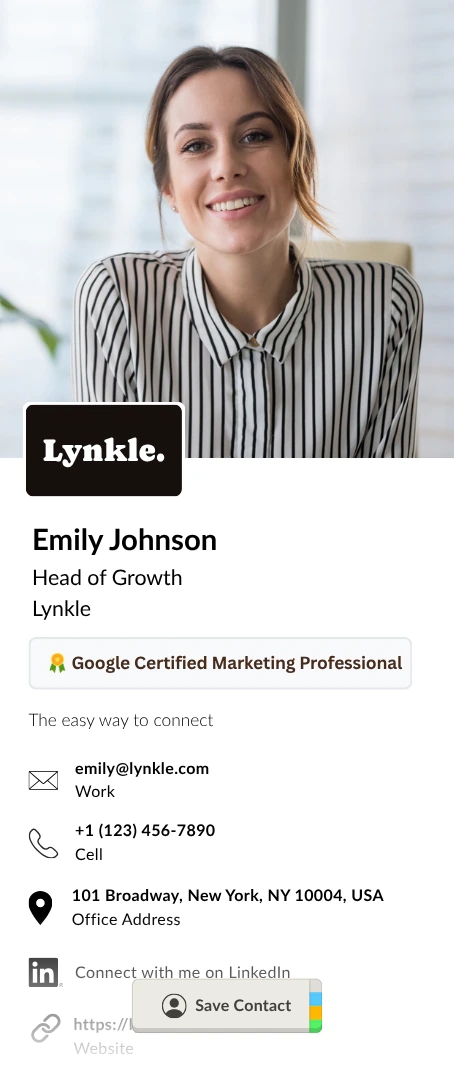


Add to Apple Wallet or Google Wallet
Add your digital business card to Apple Wallet or Google Wallet for free. Keep the pass on your own phone and show its QR code when you meet someone. They scan it to open your card and save your details, without needing a Wallet app or a copy of the pass.
Collect leads and grow your network
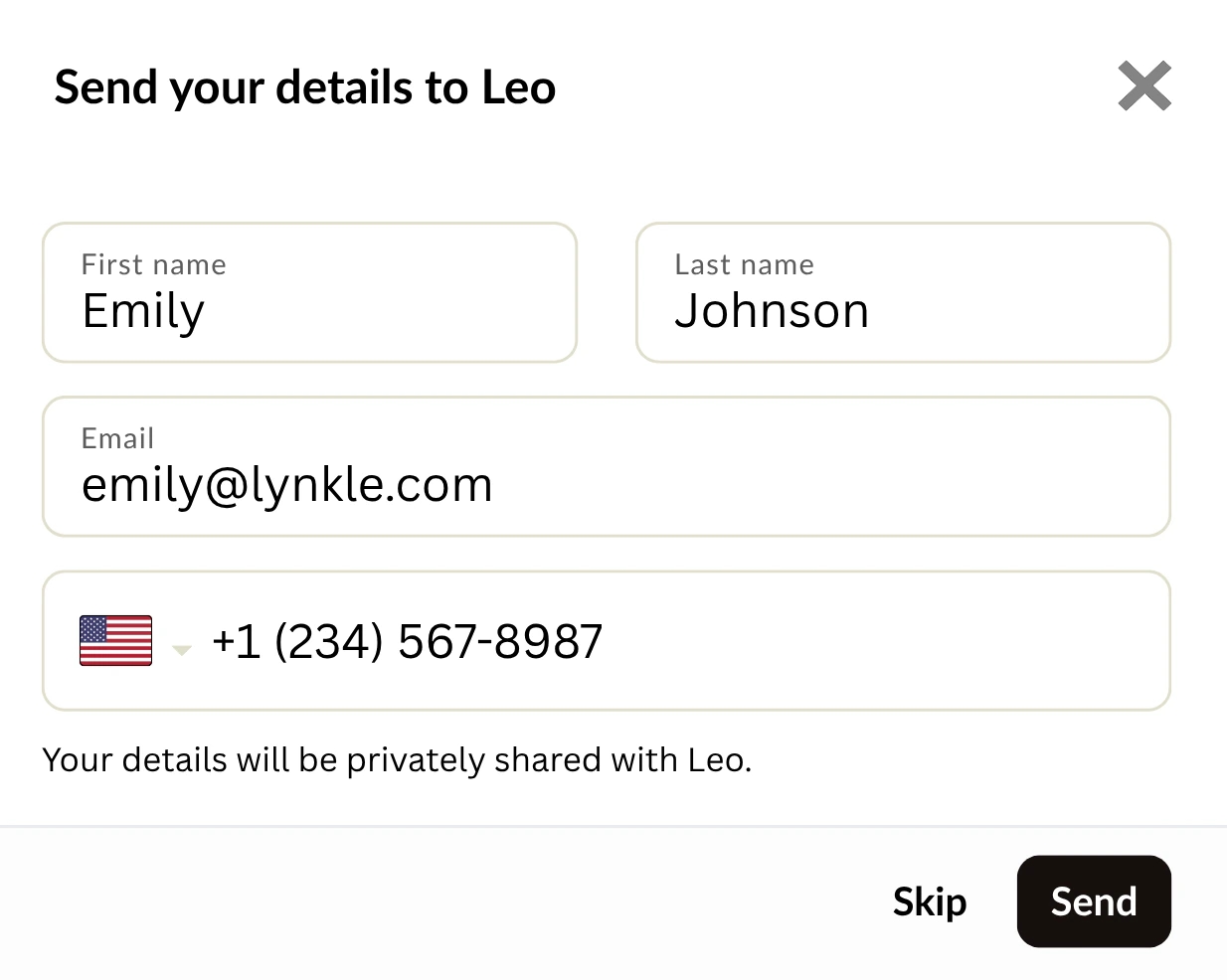
Turn every card view into a potential connection. With lead capture, people who view your digital business card can share their contact details back with you. Automatically sync new leads to Google Contacts or Outlook for effortless follow-ups. See how this works in our digital business card CRM integration guide.

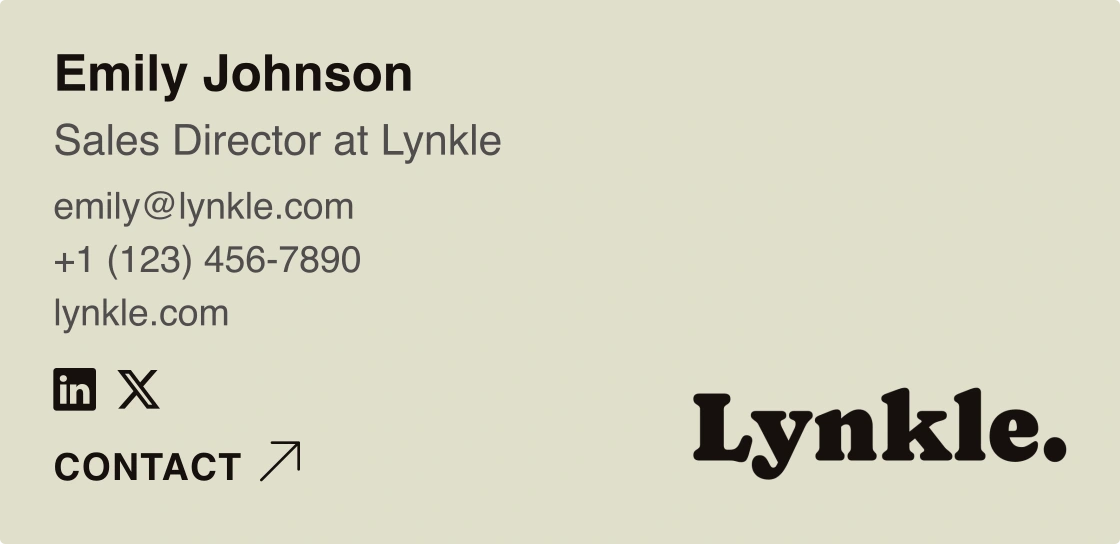
Generate email signatures automatically
Turn your digital business card into an email signature with your logo, colors, and contact details. Choose a template, then sync it to Gmail automatically or add it to Outlook or Apple Mail with Lynkle Pro or Teams.
Buyer checklist
What to look for in a digital business card
A digital business card should solve the whole networking workflow, from first scan to follow-up.
Fast setup
You should be able to create a complete card from any browser in minutes, then edit it without waiting on a designer or printer.
Multiple share methods
Look for link, QR code, Wallet, and NFC support. Different rooms need different sharing habits, so one method is rarely enough.
No recipient friction
Your card should open in a browser and make saving your details obvious. The person receiving it should not need to create an account.
Lead capture
A strong card lets contacts share their details back, so an introduction can become a follow-up instead of a one-way profile view.
Analytics
Views, link taps, and saved contacts help you understand which events, links, and introductions are actually working.
Team controls
If more than one person needs a card, look for card templates, central management, and clear pricing before rolling it out.
Why digital
Why switch to a digital business card?
Never run out
Share your digital business card unlimited times. No more awkward moments when you've run out of paper cards at a networking event.
Always up to date
Changed jobs? New phone number? Update your digital business card instantly. Everyone who has your link sees your latest info.
Eco-friendly
Digital cards remove the repeated printing and shipping that paper cards depend on. Compare digital vs paper cards and eliminate wasteful printing for good.
One-tap save
Recipients save your contact details to their phone with a single tap. No manual typing, no lost connections.
Interactive content
Add clickable links, social profiles, and more. Your digital business card does what paper never could.
Track engagement Pro
See who viewed your card and when. Understand your networking ROI with built-in analytics.
Terminology
Digital business card vs virtual business card
Digital business card, virtual business card, electronic business card, online business card, and mobile business card usually describe the same thing: a shareable profile that opens your contact details on a phone. The useful distinction is not the label, it is whether the card can be updated, shared anywhere, and saved without forcing the recipient into an app.
Digital business card
The broad category term for a live, editable card shared by link, QR code, Wallet, NFC, email signature, or app.
Virtual business card
Often used when the card is shared online, in a meeting chat, a social profile, or a remote follow-up instead of in person.
Electronic or online card
Common alternate names for the same browser-based profile. Lynkle supports the practical workflow behind all of them.
If you want the definition and sharing methods in more detail, read our guide to digital business cards.
Digital business cards for teams
Need digital business cards for your entire organization? Lynkle Teams provides branded card templates, centralized management, lead capture across your team, and CRM integration.
A digital business card is a live, shareable contact profile that opens from a link, QR code, Wallet pass, or NFC tap. It replaces a paper card with contact details that can be updated anytime and saved to a recipient's phone in one tap. For the deeper definition, read our guide to what a digital business card is.
Create a free Lynkle account, add your contact details and links, choose a design, then share your card by personal link, QR code, Apple Wallet, or Google Wallet. You can also pair it for free with a compatible third-party NFC card or tag. In-app NFC Tap to Share requires Lynkle Pro or Teams. For the step-by-step version, see how to create a digital business card.
Yes. Lynkle has a free Lynkle card plan with a personal link, QR code, unlimited contact fields, and Apple Wallet and Google Wallet support. You can also pair your card for free with a compatible third-party NFC card or tag. Paid plans add in-app NFC Tap to Share, lead capture, email signatures, and team controls. See pricing for the current plan details.
You can share your card in several ways:
- Show a QR code business card in person.
- Send your personal link by text, email, WhatsApp, LinkedIn, or any other messaging app.
- Add your card to Apple Wallet or Google Wallet.
- Pair it for free with a compatible third-party NFC card or tag for tap sharing.
- With Lynkle Pro or Teams, use in-app NFC Tap to Share on Android and on iOS only in the European Economic Area.
- Add it to a digital business card email signature.
No. You can manage and share your Lynkle card in your web browser. The Lynkle apps for iPhone and Android are optional for managing and sharing your own card. Recipients never need an app; they open your card in their browser and can save your details to their phone.
Yes. Every Lynkle card can be added to Apple Wallet or Google Wallet, so your QR code is available from your phone without opening a separate website first.
Digital business card and virtual business card usually mean the same thing: a shareable online profile with your contact details. People also use terms like electronic business card, online business card, and mobile business card for the same category. Lynkle supports the practical workflow behind those terms: link, QR code, Wallet, NFC, and one-tap save.
Include the contact details people should actually use: name, role, company, phone number, email, website, calendar link, social profiles, location if relevant, and a clear photo or logo. Keep the card focused so recipients can save or contact you quickly. For layout guidance, read our digital business card design guide.
Yes. You can update your Lynkle card anytime, including your job title, phone number, email, links, photo, and design. The same link keeps working, so people who already have it see your latest details.
Yes. You can pair your Lynkle card for free with a compatible third-party NFC card or tag. In-app NFC Tap to Share is a separate Lynkle Pro or Teams feature. It works on Android and on iOS only in the European Economic Area. Recipients open your card in their browser and never need the Lynkle app. Learn more in our NFC business card guide.
Yes. Lynkle Pro and Lynkle Teams support lead capture, so people who view your card can share their contact details back with you. Leads can be managed in Lynkle and synced with supported contact or CRM workflows. See the digital business card CRM integration guide for more detail.
Use Lynkle Teams if you need digital business cards for multiple people. Teams adds branded templates, centralized management, shared team contacts, lead capture, integrations, and simple billing from one workspace.
For many networking workflows, yes. Digital business cards can be updated anytime, never run out, support clickable links and lead capture, and make it easier for recipients to save your details. Paper cards can still work as a physical handoff, but they cannot stay live after you give them away. Compare the tradeoffs in our digital vs paper business cards guide.
Create your digital business card today
Join 5,000+ professionals using Lynkle to network smarter.