Beautiful email signatures, automated.
Turn your digital business card into a signature with your logo, colors, and contact details. Connect Gmail once and every change you save reaches your inbox automatically.
Included with Lynkle Pro and Teams. Compare plans

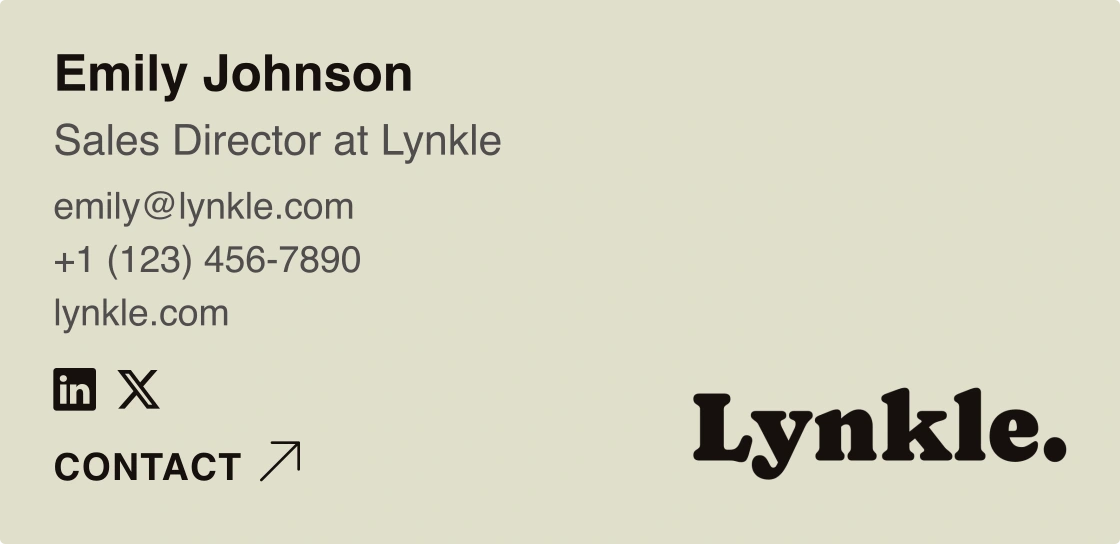
Find your favorite template.
Try different templates and colors using Emily's card.
Hi Alex,
Really enjoyed our conversation. Here are my details so we can keep in touch.
Speak soon,
Emily
Compact. Your photo beside your name and contact details.
Your digital card,
one click away.
Your email signature links to your digital business card, where recipients can save your details and explore your social profiles and other links. No app needed.
View Emily's digital card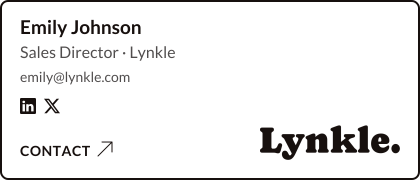

Save once.
Gmail keeps up.
Connect Gmail from the Signature Studio and Lynkle installs your saved signature for you. Each time you update your design or details and save, the new version reaches Gmail automatically.
- No copying, pasting, or digging through Gmail settings
- Updates the signature on your primary Gmail address
- Disconnect anytime. Your current Gmail signature stays in place
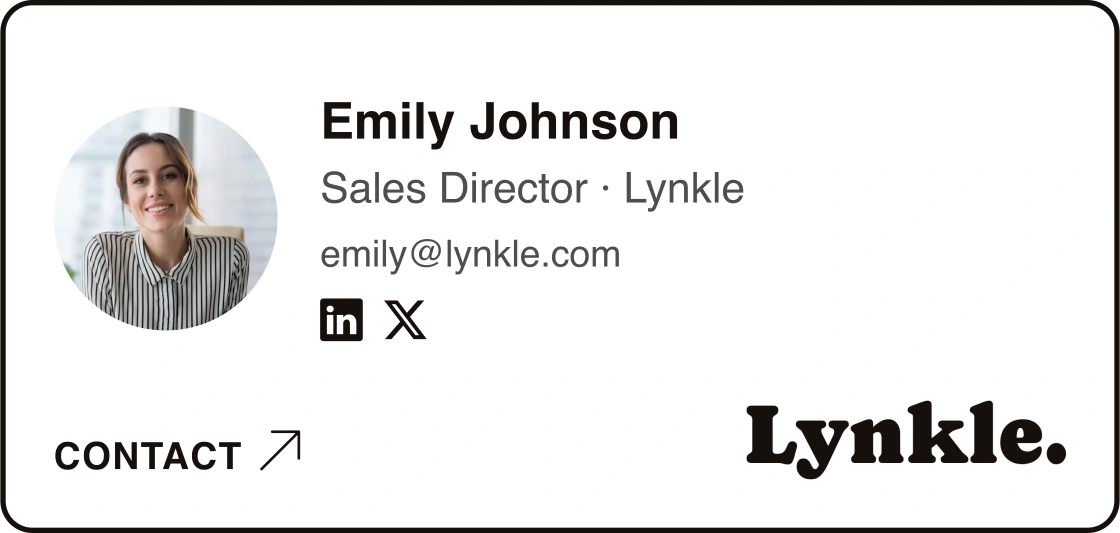
Match your signature
to your brand.
Choose a template instead of arranging text and logos in Canva or Word. Change the colors and details, and see the result as you edit.
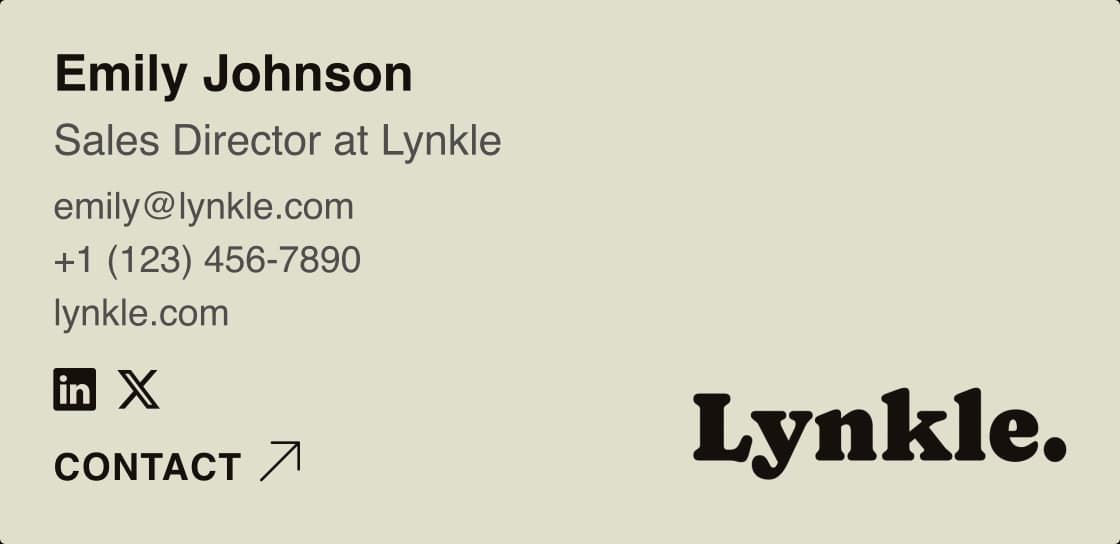
Choose what to include
Show your email, phone number, or website. Leave out any details you don't want in your signature.
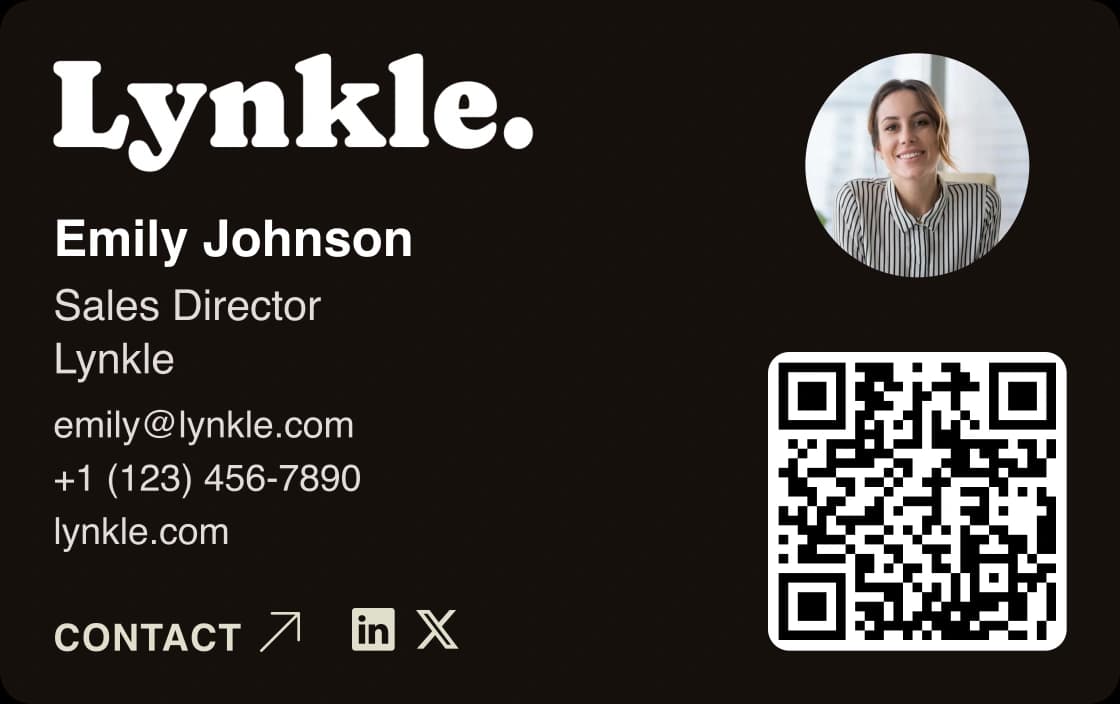
Add your logo and photo
Use the logo and photo from your digital business card, then choose matching colors for your signature.
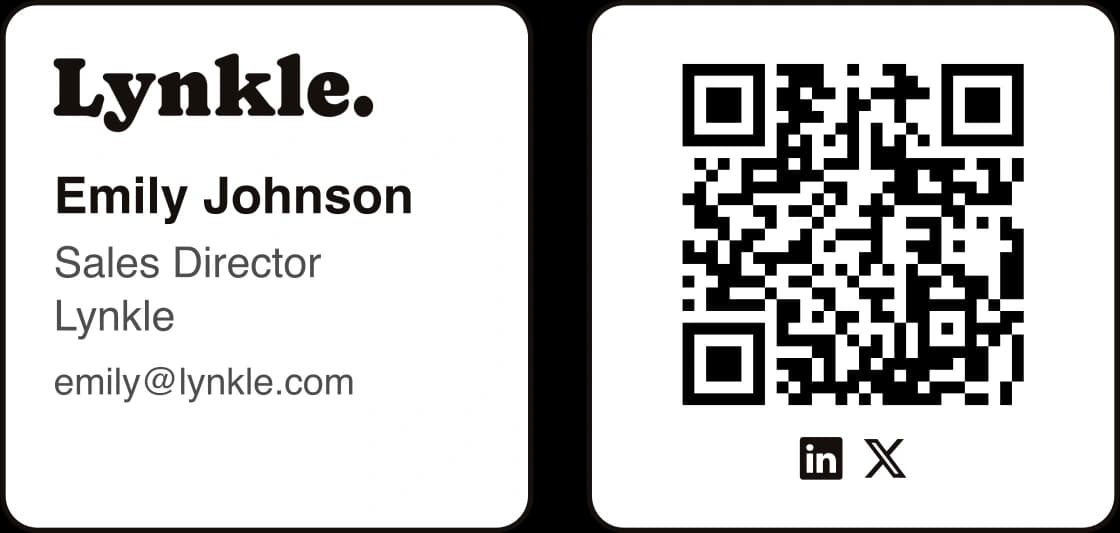
Share your card with a QR code
Choose Square to include a QR code. People reading your email on a computer can scan it with their phone.
How to create your email signature
Create your card
Add your name, logo, colors, and contact details to a public Lynkle digital business card.
Choose your signature
Open Email signature from your account. Pick a template, choose which details to show, and check the preview.
Add it to your email
Save your signature, then connect Gmail, use the Outlook add-in, or copy it into Apple Mail. Pick whichever fits how you work.
Gmail
Connect your Google account once. Lynkle installs your signature and updates it every time you save.
Gmail signature guideOutlook
Connect a Microsoft 365 work or school account and insert your latest saved signature with the Lynkle add-in. Other accounts can paste it in.
Outlook signature guideApple Mail
Copy your saved signature from Lynkle and paste it into Mail's signature settings on your Mac.
Apple's signature settingsRolling out signatures to your whole team?
Customize one design for your team's cards and deploy it to Gmail with Google Workspace, or publish it to Outlook with the Lynkle add-in for Microsoft 365. Every signature keeps that person's own details.