Your brand at every introduction.
Give everyone a branded digital business card. Follow up from one shared lead list.
Start 30-day free trialTrusted by200+ teams
Cancel anytime.



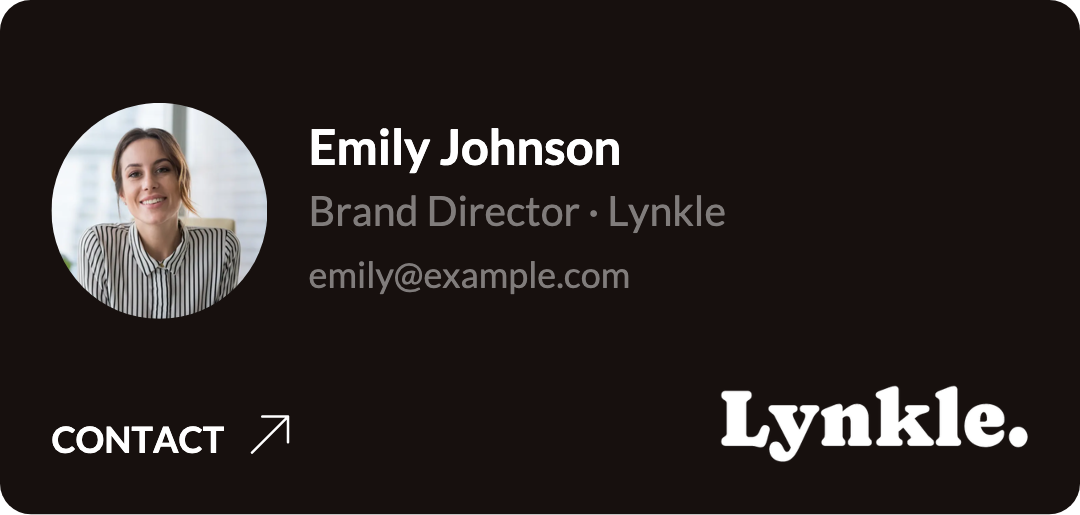
Give new hires a card worth sharing.
Lock your logo and colors in a template. New teammates can share a branded card at their first event. Change those details in the template and every linked card updates.

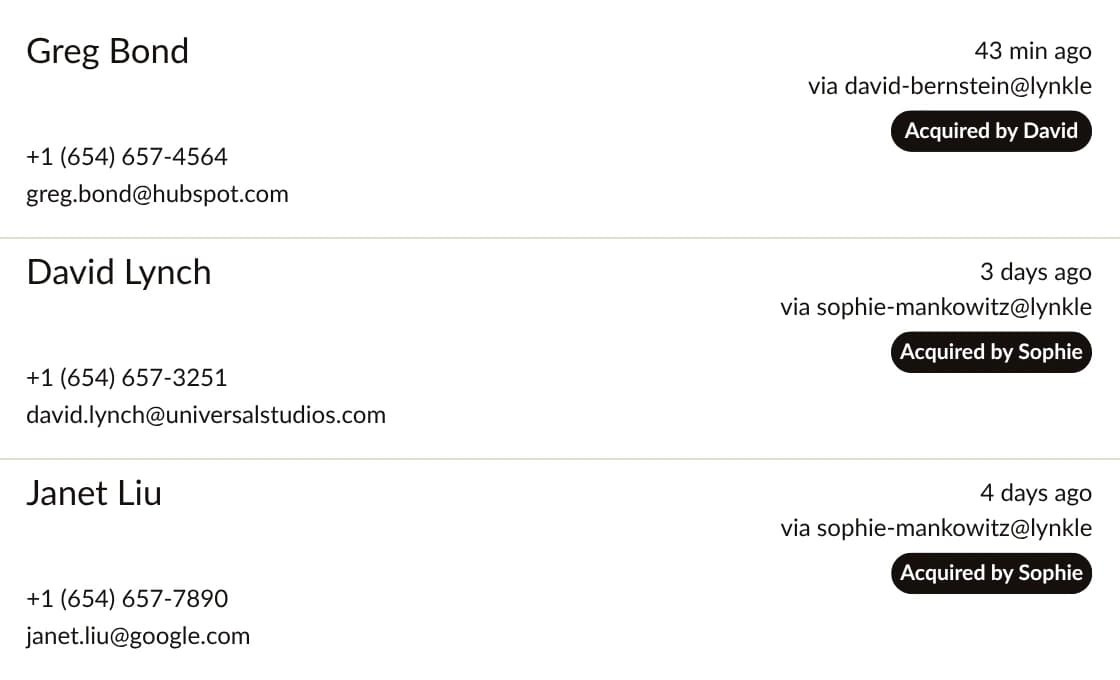
Bring your event leads home.
When someone shares their details back, the contact lands in one team list. Connect Salesforce or Outlook to send new contacts straight to the tools your team uses to follow up.
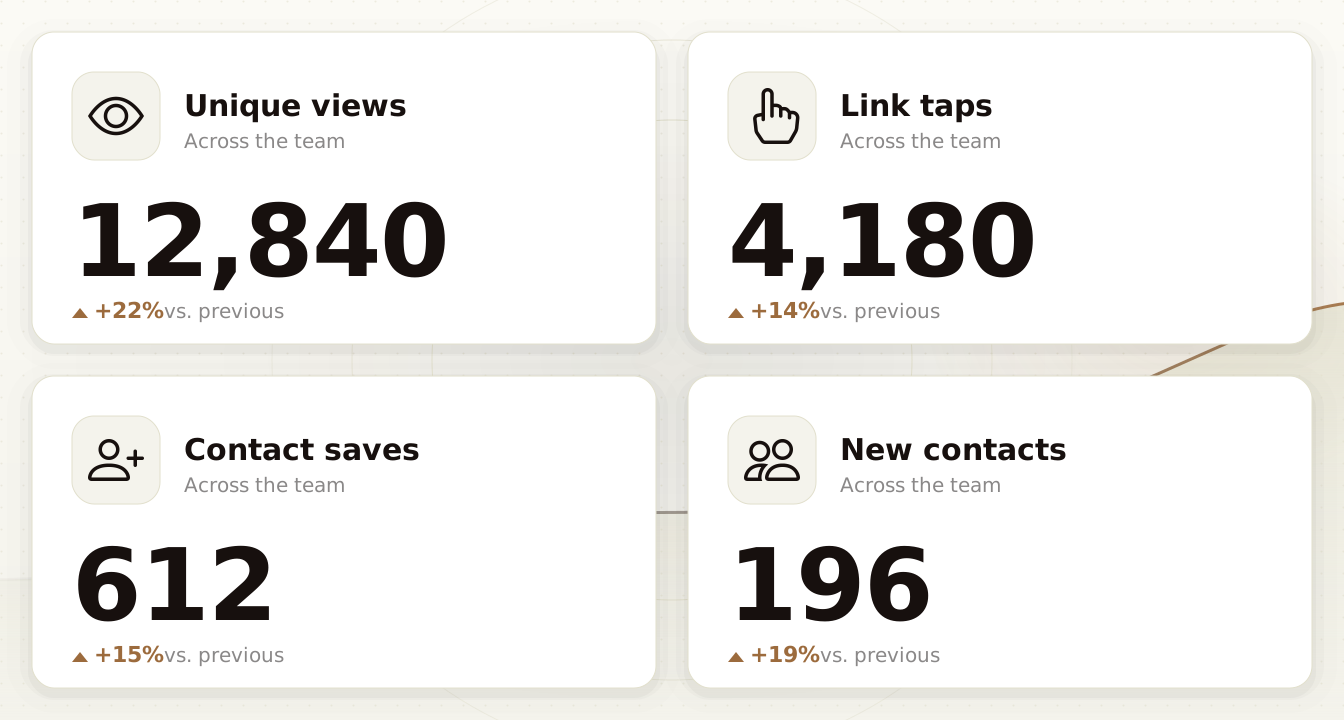
See what happens after the handoff.
See which cards people open, which links they tap, and how often they save or share contact details. Compare engagement across the team and over time.
Look like the same team in every inbox.
Carry the look of your cards into the follow-up. Set one signature design and give everyone a version with their own details.
Explore team email signaturesNew message
To Alex
Subject Great meeting you at the event
Hi Alex,
It was great meeting you. I'd love to pick up where we left off.
Thanks,
Emily
What teams say about Lynkle
One price per teammate.
$4per user per month
Billed annually at $48 USD per user. Minimum 5 users.
Start 30-day free trialTrusted by200+ teams
Frequently asked questions
Create a card template with your logo, colors, and company details. Use it to make cards for your team, or invite people to create their own from the template.
Lynkle Teams costs $48 USD per user per year, with a minimum of 5 users. Try it free for 30 days and cancel anytime in your account.
Compare plansYes. Lock your logo, colors, and other shared details in a template. When you edit a locked field, every card using the template gets the update. You choose which fields people can personalize.
Connect Salesforce or Microsoft Outlook to sync new contacts collected by anyone on your team. Team members can also sync their own contacts to Google Contacts.
Share a card by link or QR code, including from Apple Wallet or Google Wallet. The recipient opens it in their browser.
Invite new teammates and manage access from Lynkle. You can deactivate a member when they leave and adjust your seats as your team changes.
Yes. Visitors can share their contact details back from any team card. Those contacts appear in the team list, where you can see who collected each one.
Yes. Design one signature with your brand and personalize it from each person's card. Deploy to Gmail with Google Workspace or publish to the Lynkle Outlook add-in with Microsoft 365.
Start your 30-day trial, set up your organization, and create your first card template. Then you're ready to invite teammates.
Make the next introduction yours.
Start with a template. Give everyone a card that feels like part of your brand.
Start 30-day free trialTrusted by200+ teams
Ask us about Teams