Offline sharing
Offline sharing lets you share your contact details even when you don't have an internet connection. It turns on automatically whenever the Lynkle app is offline, so there's nothing to set up.
It works in the Lynkle iOS app and the Lynkle Android app.
How it works
When you're offline, the QR code on the Cards screen holds your contact details instead of your card link, and you'll see You're offline under it.
Let the other person scan the code with their camera. Their phone offers to save you as a new contact, with no internet or Lynkle app needed.
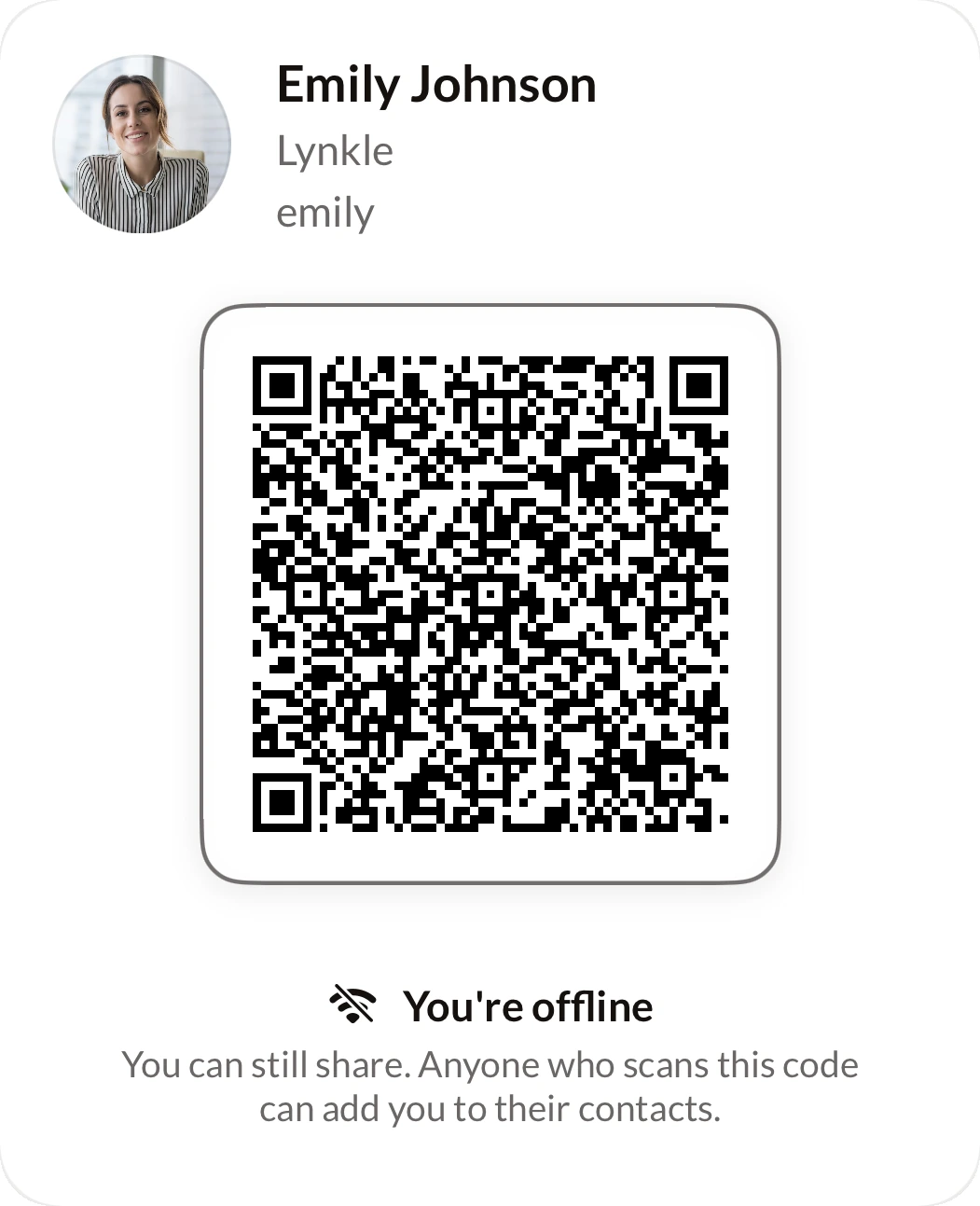
They'll save your name, job title, company, phone number, and email. Public cards also include your card link, so they can open your full card once they're back online.
Open the Lynkle app at least once while you're online, so your contact QR code is ready before you lose signal.